


01
Brand your camera
Theme, card colours, event name and logo. Minutes, before doors open.

Turn every guest's phone into your branded instant camera. They keep a polaroid; you keep every photo.
Pick one of 13 themes, write the caption, add your logo. Set when the camera opens and closes, and every capture lands in your dashboard.
Candid photos from every table, your names on every card.
See how it worksWhether you’re hosting a wedding or a hack night guests scan one QR, tap the camera and leave with a polaroid while every photo lands in your gallery.
Theme, card colours, event name and logo. Minutes, before doors open.
On the invite, in the group chat, or as a QR at the door.
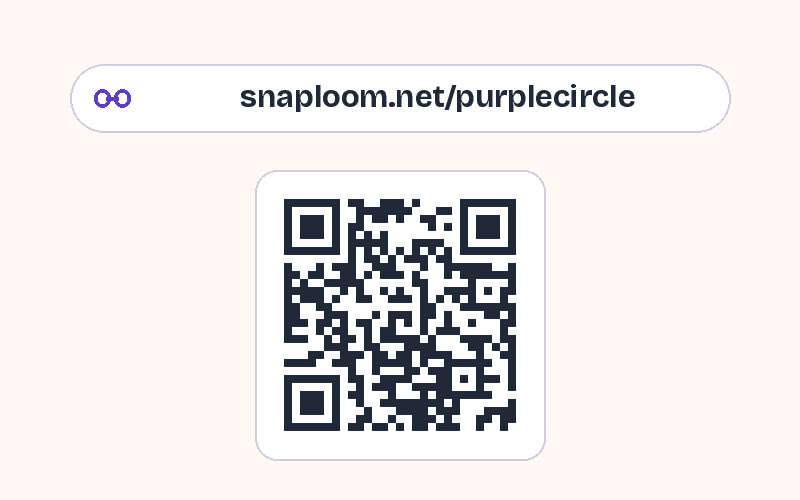
They take a photo and keep a polaroid. Every capture lands in your dashboard.
Try it as a guest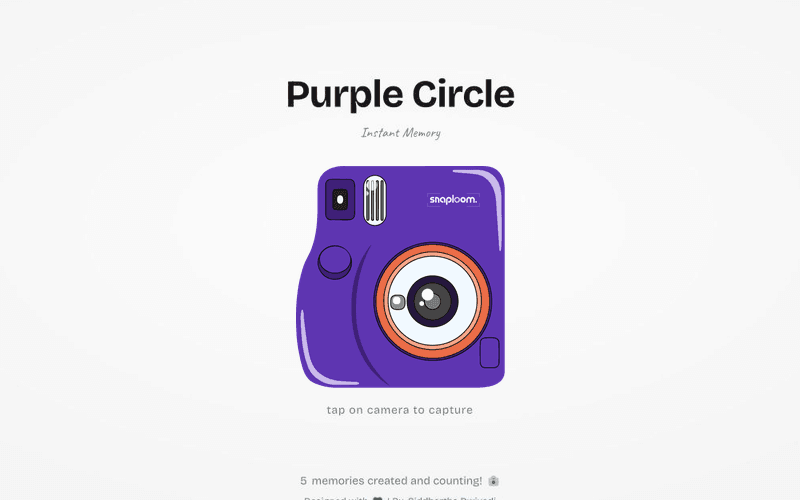
Approve what goes public, download everything as a ZIP, or share the gallery link after the event.
1,000+ memories made on Snaploom, and counting.
Yes. The free plan includes 2 branded camera pages and 100 MB of storage, about 250 photos. Guests never pay and never need an account to take photos.
Upgrade to a paid plan from the Billing page of your dashboard for more storage and more pages: an event pass for one big event, or a longer plan for hosts and organisations that run events all year. See every plan and price on the pricing page; your photos stay safe when a plan ends.
Enter your name, email, and a password on the sign-up form, or use Sign in with Google. Email sign-ups get a confirmation link; open it and you land in your dashboard, where you pick your page link and start customising.
No. Snaploom runs entirely in the phone browser. You share one link or a QR code and guests tap to capture a branded polaroid instantly.
Your own page link, one of 13 themes (the camera takes its colours), polaroid card styling and fonts, event name, logo on every photo, and when the camera closes. Captures collect in your dashboard gallery.
Create your account, set up your event camera, and share the link before the first attendee walks in.


